
One phone answers every customer
Enquiries, order questions and booking requests all land on a single WhatsApp number. Replies depend on whoever holds the phone, and messages sent after hours wait until morning.

Our WhatsApp automation services put the official WhatsApp Business API to work for your business. Order and booking updates go out on their own, customers get instant replies, campaigns reach everyone who opted in, and every contact is logged in your sheet or CRM. Built by our Chennai team for businesses across India and overseas.
From ₹11,999
Official API setup + one automated flow · Excludes GST
Enquiries, confirmations and customer follow-ups quickly overwhelm a single phone. Start with the routine messages that software can send accurately every time.
See what we buildEnquiries, order questions and booking requests all land on a single WhatsApp number. Replies depend on whoever holds the phone, and messages sent after hours wait until morning.
When an order is confirmed, a slot is booked or a payment is due, someone has to remember to message the customer. When they forget, the customer calls to ask.
Broadcast lists in the WhatsApp Business app only reach people who have saved your number, and sending the same message to many people by hand risks your number being reported or restricted.
Names, numbers and what each customer asked for stay inside chat threads. Nothing is logged in a sheet or CRM, so follow-ups depend on someone scrolling back through old chats.
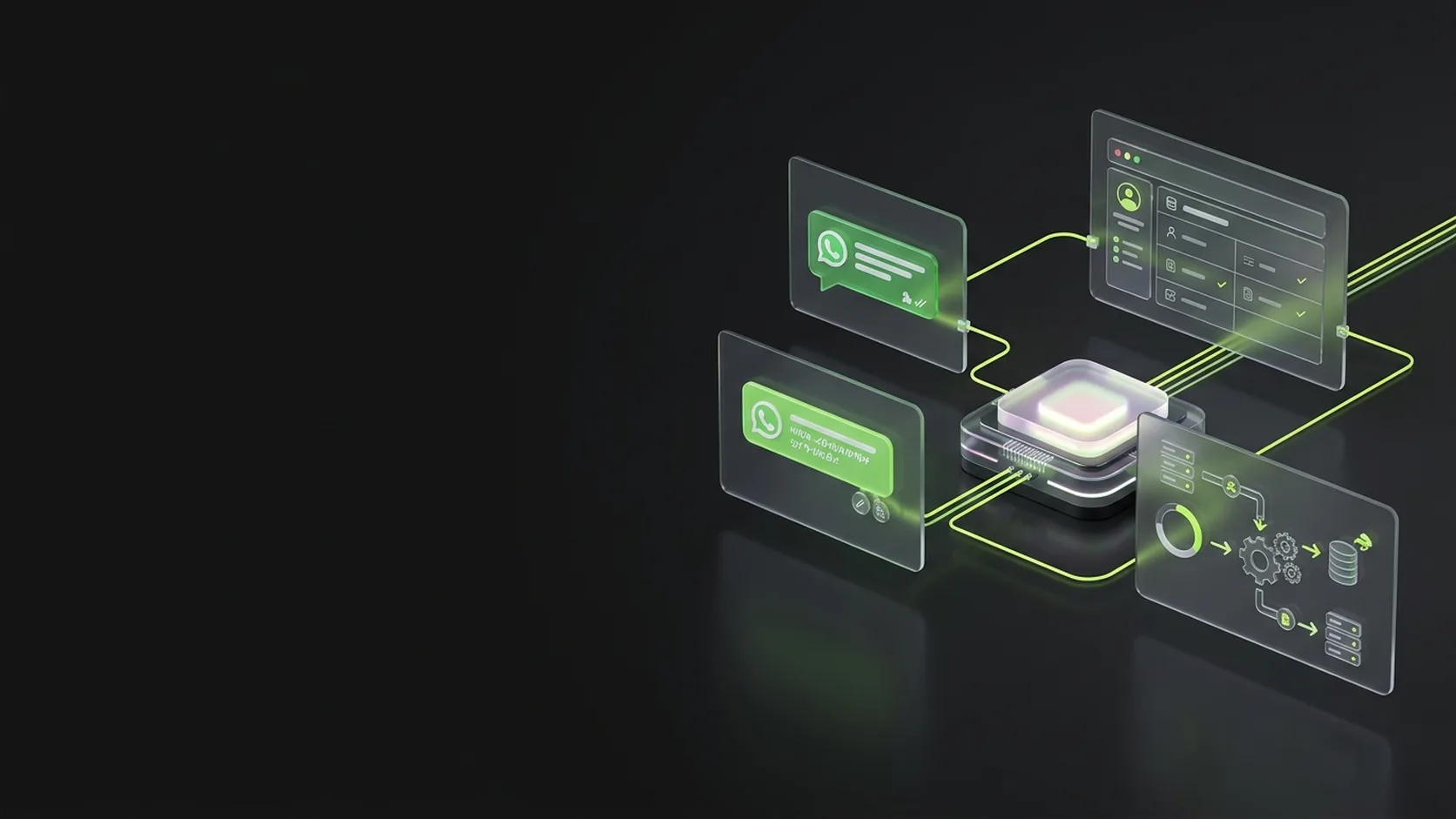
Each of these runs on the official WhatsApp Business API and connects to tools you already use. For Gamehaus we built booking confirmations, reminders and marketing template campaigns; the other flows use the same API and approach.
Hover or choose a service 01 / 08
Different businesses.
A website built around yours.
Offers, announcements and event updates sent as Meta-approved marketing templates to customers who opted in. We built this for Gamehaus, a snooker venue, on the WhatsApp Business API.
Confirmations and reminders sent the moment an order or booking is made in your store or booking system. Gamehaus customers get their booking confirmations and reminders this way.
A greeting, answers to common questions and quick-reply buttons, so customers get a useful first response straight away, even outside office hours.
Polite reminders before a payment, renewal or membership is due, with a payment link where your system supports one, and a record of who has been reminded.
New WhatsApp contacts and enquiries logged in Google Sheets or your CRM automatically. For full lead journeys with follow-up sequences, see marketing automation.
New orders, bookings and hot enquiries sent to the right person on your team on WhatsApp, so nobody has to keep checking a dashboard.
A FAQ bot that answers from a fixed set of replies, or an AI assistant that answers from your own documents and hands over to a person when it is unsure.
Brochures, price lists, invoices and tickets sent as PDFs or images when a customer asks for them or when an order is complete.
WhatsApp automation is more than a broadcast tool. We put your number on the official API, get your messages approved, and connect WhatsApp to the systems where orders, bookings and enquiries actually happen, so the right message goes out without anyone typing it.
A confirmed booking, order or customer enquiry starts the automation. This example follows Alex and booking BK-104, using an event from the booking system.
The flow checks the message purpose and recipient permissions. Proactive updates use approved templates; replies to customer questions follow the customer service window.
The customer details and booking reference fill the message, while the agreed information is logged in your sheet or CRM. Your team can follow the same record through the flow.
Routine updates keep the customer informed. If Alex asks to change the time, a person receives the conversation and booking reference. The automation does not make an unapproved booking change.
Booking BK-104 is confirmed.Business-initiated messages use approved templates in the appropriate category. We review the message purpose, recipient permissions and current platform requirements during setup.
A customer message opens a 24-hour customer service window. Service messages within it have no Meta message charge; provider plans and other usage costs remain separate.
Marketing routes include only customers who have opted in. Opted-out contacts stay excluded, and we test opt-out handling before the flow goes live.
Start with the API and one automated flow, or add a bot that answers your customers. After a free audit you get a written quote listing the flows, the setup and the running costs.
Starting from₹11,999
The official WhatsApp Business API on your number, with one automated flow connected to the tools you already use.
Starting from₹14,999
A menu-based bot that answers your common questions with fixed, approved replies and hands over to your team.
Starting from₹49,999
An AI assistant that answers from your own documents and product details, and passes conversations to a person when it should.
Prices exclude GST. Meta’s per-message charges, any provider subscription (such as Interakt, AiSensy or WATI) and AI usage are paid separately, directly to them. Hosting and ongoing changes by Airbil are quoted separately.
Your scope shapes the final quote.
One auto-reply or one type of update is quick to set up. Several flows across orders, bookings, payments and campaigns take more planning and testing.
Google Sheets and popular CRMs have ready connectors. A custom booking system, store or older software may need a small custom integration.
Meta Cloud API needs no subscription. A provider such as Interakt, AiSensy or WATI adds a team inbox and campaign tools for a monthly fee, paid to them.
More templates, and templates in more than one language, mean more writing, approvals and testing.
Fixed replies are the cheapest to run. An AI assistant needs your documents prepared, rules agreed and more testing, plus AI usage costs.
Meta charges per template delivered, by category. Your expected volumes shape which setup and provider plan make sense.
In a 20-minute call we look at what your customers ask on WhatsApp and what your team sends by hand, then list the messages worth automating first.
We help you verify your business with Meta, connect your number to the API directly or through a provider, and keep every account in your name.
We write the templates, submit them for approval in the right categories, and build the flows that connect WhatsApp to your website, booking system, store, sheet or CRM.
We run real orders, bookings and questions through every flow, including opt-outs and handovers, and check what arrives on both the customer side and your team side.
Flows go live with notes for your team. If something breaks after launch because of our build, we fix it; new flows and changes are quoted separately.
Meta charges per template message delivered, and the rate depends on the category. Choosing the right category for each message keeps your monthly bill down, so we plan this before any template is written.
Offers, announcements and re-engagement messages. Meta charges for each one delivered, and these are the most expensive category, so we keep campaigns targeted.
Order, booking and payment updates tied to something the customer did. Charged at a lower rate, and free when sent while a customer service window is open.
One-time passwords and login codes. Charged per message delivered, at a rate similar to utility templates.
When a customer messages you, a 24-hour window opens. Normal replies within that window, including bot replies, are not charged by Meta.
We are not tied to one provider. The right setup depends on whether messages come from your software, your staff or both.
Connected straight to Meta, with no provider subscription. Best when messages are sent by your own software, such as a booking system or store, and your team does not need a shared inbox.
A monthly subscription that adds a shared team inbox and a campaign screen your staff can use themselves. We set it up and connect it to your other tools.
A number already used on the WhatsApp Business app can often be connected to the API and kept on the app as well. We check whether your number qualifies before we start.
Start with a free 20-minute automation audit. We look at what customers ask on WhatsApp and what your team sends by hand, pick the messages worth automating first, connect the official API under your own business account, and link WhatsApp directly to your store, calendar or CRM.

If something breaks after launch because of our build, we fix it. New flows, extra templates and ongoing improvements are quoted separately.
Your WhatsApp Business Platform runs under your own Meta Business Manager. The number, message templates and automation access belong to you.
The quote defines the flows, triggers and systems connected. Meta message fees, provider subscriptions (Interakt, AiSensy, WATI) and GST remain separate.
Find a quick answer, or talk through your project with us.
12 questions, answered.Ask us directlyWhatsApp automation starts from ₹11,999, a WhatsApp FAQ bot from ₹14,999 and an AI assistant on WhatsApp from ₹49,999, all excluding GST. The final price depends on the number of flows, the systems to connect and the templates needed. Meta message charges and any provider subscription are paid separately.
It is the business version of WhatsApp that software can connect to, now called the WhatsApp Business Platform. Unlike the WhatsApp Business app on a phone, it lets your website, booking system, CRM or chatbot send and receive messages automatically, and lets several team members handle chats through a shared inbox.
Yes. For Gamehaus, a snooker venue, we set up automation on the WhatsApp Business API that sends booking confirmations and reminders, as well as Meta-approved marketing template messages to customers. Auto-replies, order updates and chatbots use the same API and the same approach.
Meta charges for each template message delivered, at a rate set by category: marketing costs the most, while utility and authentication cost much less. Normal replies within 24 hours of a customer messaging you are not charged, and utility templates sent inside that window are free. Rates change from time to time, so we check the current rate for India when we estimate your monthly cost.
Usually, yes. A number used on the WhatsApp Business app can often be connected to the API and kept on the app at the same time, although some app features, such as broadcast lists, stop working. We check whether your number qualifies before we start.
The biggest risks are unofficial bulk-sending tools and messages to people who did not opt in. We use only the official API, approved templates, opt-in and opt-out handling, and the right template categories, which keeps you within WhatsApp’s rules. Your number’s quality still depends on customers finding your messages useful.
Not always. If messages come from your own software and nobody needs a shared inbox, Meta’s Cloud API on its own is enough. If your team wants a shared inbox and a campaign screen they can use themselves, a provider is worth its monthly subscription. We recommend one after the audit.
Yes. That is where most of the value is. An order, booking or form on your site can trigger a WhatsApp message, and contacts and enquiries can be logged in Google Sheets, Zoho CRM or your own database. Systems without a ready connector get a small custom integration.
WhatsApp automation covers the channel itself: the API, templates, updates, replies, bots and team routing. Marketing automation covers the whole lead journey across ads, forms, WhatsApp, email and your CRM, including follow-up sequences. Many businesses start with WhatsApp and add the wider journey later.
Yes. A FAQ bot answers from fixed replies and buttons, which is predictable and cheap to run. An AI assistant answers from your own documents and product details in natural language. Both hand the chat to your team when a person is needed.
For one-time builds, the Meta business account, the WhatsApp number and the automations are yours, and you pay Meta and any provider directly. If we host and maintain flows for you on a subscription, that is agreed in writing up front.
Book a free 20-minute automation audit. We will look at what your customers ask on WhatsApp and what your team sends by hand, suggest the messages worth automating first and give you a clear starting price.
Tell us what customers ask and what your team types by hand. In a free 20-minute automation audit we will suggest the messages worth automating first and give you a clear starting price, with no obligation.